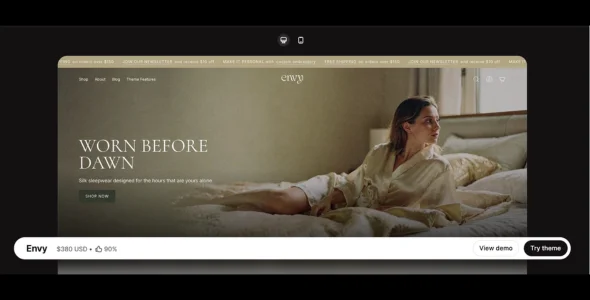
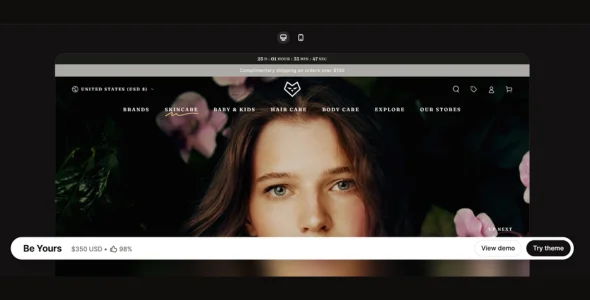
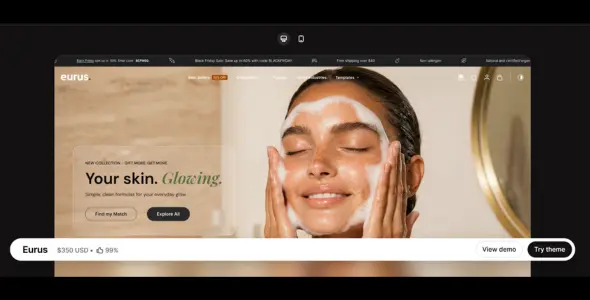
Envy is a premium Shopify theme designed for brands that want a visually engaging storefront combined with powerful conversion-focused features. Built for both small and large product catalogs, Envy offers modern layouts, advanced merchandising tools, and flexible customization options that help merchants create professional online stores without coding knowledge.
Perfect for fashion, beauty, lifestyle, jewelry, home décor, electronics, and general eCommerce businesses, Envy combines beautiful design with practical sales tools to help increase customer engagement and drive more conversions. Its mobile-first design ensures a seamless shopping experience across all devices while providing store owners with complete control over branding and store customization.
Engineered for performance and scalability, Envy includes advanced navigation systems, promotional features, product discovery tools, and flexible content sections that allow merchants to create unique shopping experiences tailored to their audience.
Mega Menu Support
Build advanced navigation menus for improved product discovery.
Sticky Header Navigation
Keep important navigation links visible while customers browse.
Advanced Product Filtering
Help shoppers find products quickly using powerful filtering options.
Enhanced Search Functionality
Improve product discovery with fast and accurate search tools.
Quick View Feature
Allow customers to preview products without leaving collection pages.
Recently Viewed Products
Help visitors quickly revisit products they previously explored.
Product Recommendations
Increase sales by displaying related and recommended products.
Cross-Selling Features
Promote complementary products throughout the shopping experience.
Upselling Opportunities
Encourage customers to purchase premium products and larger orders.
Countdown Timer Support
Create urgency for flash sales and limited-time promotions.
Promotional Banners
Highlight discounts, campaigns, and featured collections.
Promotional Popups
Capture customer attention with customizable marketing popups.
Product Badges
Show labels such as New, Sale, Best Seller, and Limited Stock.
Stock Counter Display
Create urgency by displaying remaining inventory levels.
Trust Badges Support
Increase customer confidence during the checkout process.
Lookbook Functionality
Create shoppable lifestyle galleries and visual product showcases.
Product Video Support
Display videos directly on product pages for better engagement.
Image Zoom Functionality
Allow customers to inspect product details closely.
High-Resolution Image Support
Showcase products using large, detailed product photography.
Blog Integration
Publish buying guides, tutorials, and brand stories.
SEO-Friendly Structure
Built using optimization best practices to improve search visibility.
Multi-Currency Support
Sell products internationally with support for multiple currencies.
Responsive Design
Fully optimized for desktop, tablet, and mobile devices.
Regular Updates & Professional Support
Receive ongoing feature improvements, bug fixes, and dedicated support.
Download Envy Shopify Theme
Envy is an excellent choice for merchants looking for a flexible, conversion-focused Shopify theme with strong merchandising tools and premium visual presentation. Its advanced filtering options, promotional features, lookbook functionality, and mobile-first design make it suitable for both growing brands and established online stores.
To get started:
Log in to your Shopify Admin dashboard.
Go to Online Store > Themes.
Click Upload Theme.
Upload the Envy Shopify Theme.zip file.
Click Customize to configure your store design.
Add products, collections, and promotional content.
Launch your online store.
Build a modern, high-converting Shopify store with Envy Theme—the perfect solution for brands that want powerful merchandising tools, elegant design, and a seamless shopping experience.