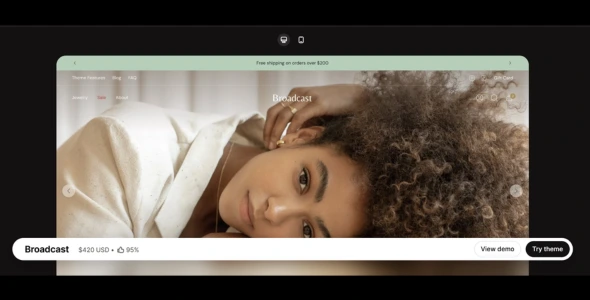
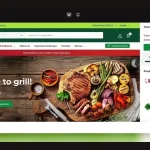
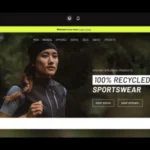
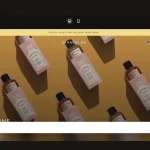
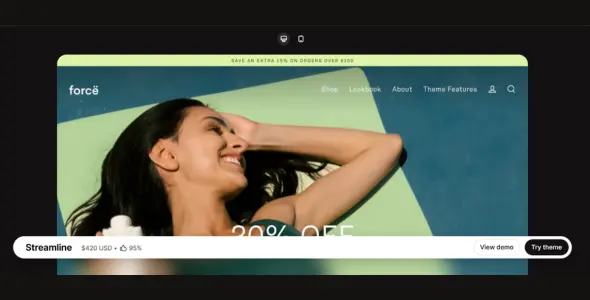
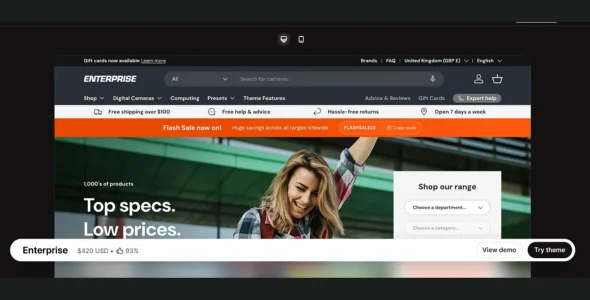
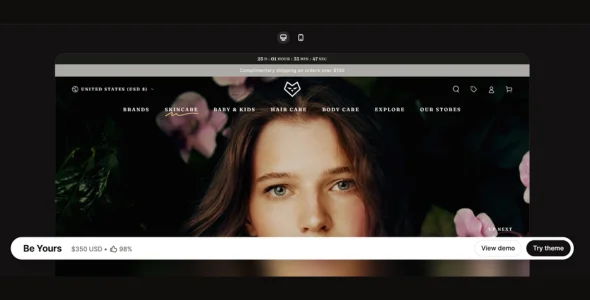
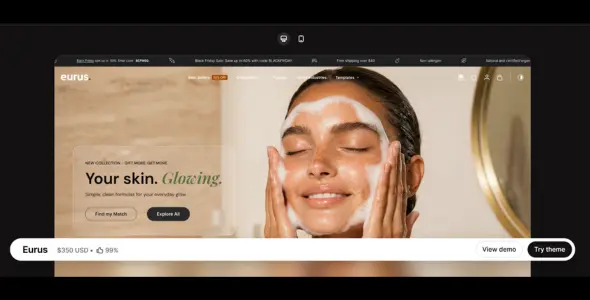
Broadcast Shopify Theme is a modern, editorial-style, and conversion-focused premium Shopify theme designed for brands that rely on storytelling, visual content, and strong product presentation. Built with clean layouts and content-rich sections, Broadcast is ideal for fashion, lifestyle, beauty, home décor, and content-driven eCommerce stores.
Broadcast is created for merchants who want to combine storytelling with selling. Its layouts allow brands to showcase collections, campaigns, and product stories in a structured and engaging way, helping customers connect with the brand while moving smoothly toward purchase.
Engineered for performance and flexibility, Broadcast uses optimized code to ensure fast loading speeds and smooth browsing across desktop and mobile devices. The theme fully supports Shopify Online Store 3.0 (OS 3.0), giving merchants access to sections on every page, app blocks, enhanced metafields, and advanced customization options.
With multiple preset styles and flexible content sections, Broadcast adapts easily to different industries while maintaining a refined, content-focused storefront.
Features
- Editorial & Storytelling Design
Content-rich layouts designed to highlight brand stories and campaigns. - Multiple Preset Styles
Ready-made design presets for different industries and aesthetics. - High-Speed Performance
Optimized theme structure ensures fast loading and smooth browsing. - Advanced Mega Menu
Multi-column navigation for organizing collections and categories. - Conversion-Optimized Product Pages
Clear CTAs and structured layouts designed to increase sales. - Quick View & Ajax Add to Cart
Add products instantly without page reloads. - Sticky Header & Sticky Add to Cart
Keeps navigation and purchase actions accessible while scrolling. - Content-Rich Homepage Sections
Showcase lookbooks, campaigns, and featured collections. - High-Resolution Image & Video Support
Product galleries with zoom functionality and video integration. - Color Swatches & Variant Display
Visual selectors improve product browsing and selection. - Built-In Promotional Tools
Announcement bars, banners, and marketing sections. - Collection Page Filtering & Sorting
Helps customers navigate product catalogs efficiently. - Mobile-First & Fully Responsive Design
Optimized layouts for smartphones and tablets. - SEO-Friendly Structure
Clean HTML markup and optimized performance improve search visibility. - Shopify Online Store 3.0 (OS 3.0) Support
Sections on every page, flexible app blocks, and enhanced metafields. - Multilingual & Multi-Currency Support
Ready for international Shopify stores. - Cross-Browser Compatibility
Works smoothly across Chrome, Safari, Firefox, and Edge. - App Compatibility
Seamlessly integrates with popular Shopify apps. - Lookbook & Visual Merchandising Tools
Create interactive product showcases and styled collections. - Documentation & Regular Updates
Includes setup guides, customization instructions, and continuous improvements.
Download Broadcast Shopify Theme
Broadcast Shopify Theme is a strong choice for merchants who want a content-driven, visually rich, and conversion-focused Shopify store designed for storytelling and brand engagement.
To get started:
- Log in to your Shopify admin panel.
- Go to Online Store > Themes.
- Purchase or upload the Broadcast theme.
- Publish the theme and customize it using the Shopify Theme Editor.
Build a modern and storytelling-driven Shopify store with Broadcast Shopify Theme—perfect for brands that combine content, design, and performance to drive sales.

Changelog: See What’s Fixed & Added
Version 8.1.0 – February 26, 2026
Added
- New Motif demo store
- New section: Shop the Look Gallery
- New section: Dynamic Content
Changed
- Removed the “Pin to Bottom” option in the mobile menu to improve usability and prevent hidden navigation issues while scrolling
- Highlights section: Added an additional overlay block to support typography layered over images
Fixes and other improvements
- Resolved an issue where featured image overlay typography was not displaying
- Enhanced VoiceOver accessibility implementation
- Fixed a placement issue with the Custom Content: Reserve block setting